Commercial HVAC · BAS · Building Operations
Practical HVAC & BAS Troubleshooting
Practical guides for commercial HVAC and building automation troubleshooting. Follow symptoms from the BAS screen to the physical equipment, record what you find, and verify the result against the approved sequence and manufacturer instructions.
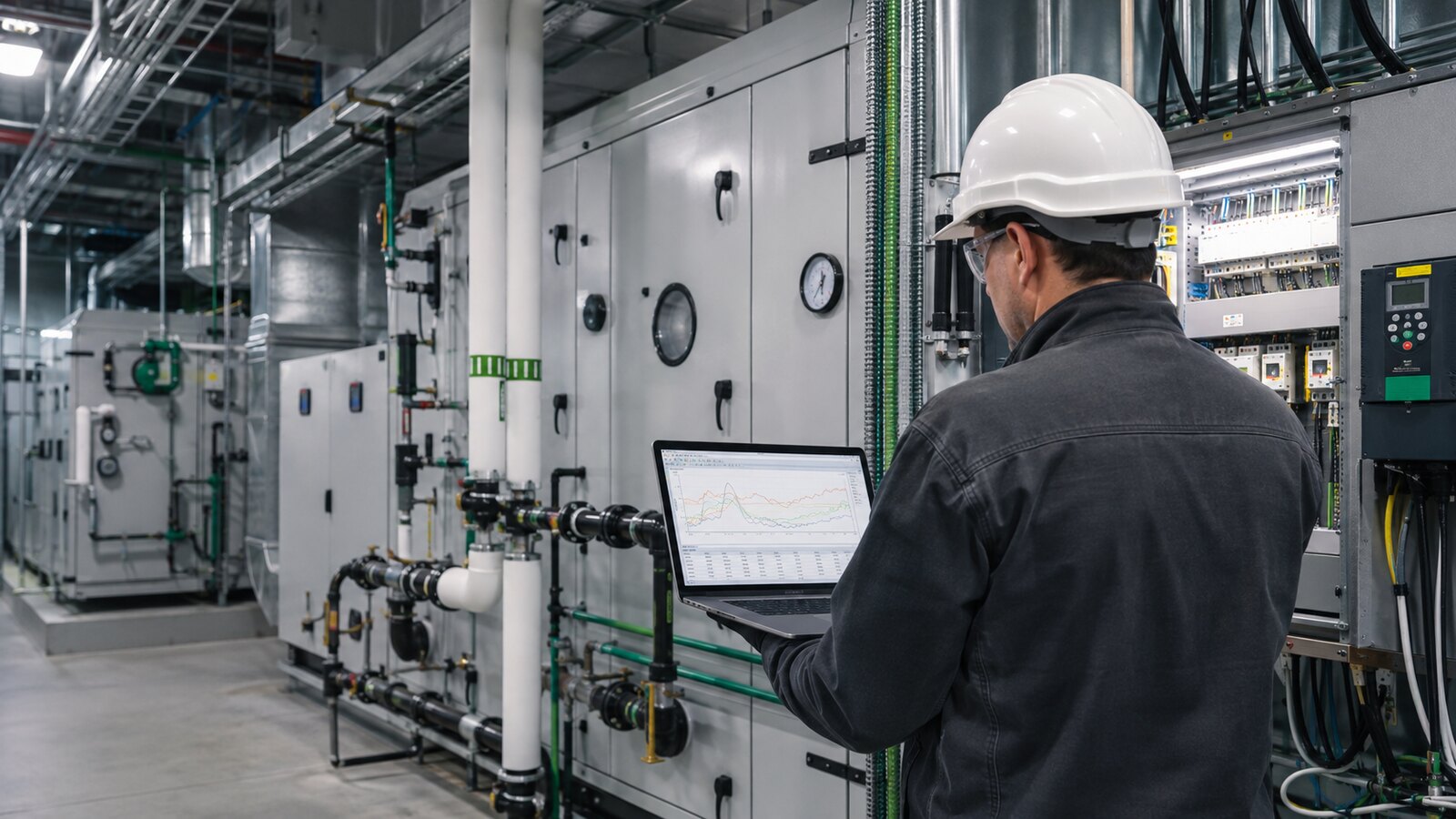
Start With Your Problem
Your field diagnosis desk: choose a symptom to reveal the evidence to capture, the comparison to make, and the guide for your next test.
HVACEquipment will not startFind where the operating sequence stops.Show first checks +Close checks −
Capture firstRecord demand, operating mode, active alarms, and the effective start command before resetting.
Compare the evidenceCompare the command with local status, safety state, and physical run proof. A commanded ON state does not establish operation.
Open the equipment diagnostic paths →BAS / PROOFThe graphic and equipment disagreeSeparate command, status, and physical response.Show first checks +Close checks −
Capture firstRecord which point the graphic displays, its timestamp, and any active override or priority.
Compare the evidenceTrace the effective command to the controller and compare independent status or field proof. Locate the first disagreement.
Verify command versus status →BACNETDevices keep going offlineMap the affected scope before changing settings.Show first checks +Close checks −
Capture firstRecord which devices dropped out, when it happened, controller power observations, and available diagnostics.
Compare the evidenceDistinguish one device, a physical bus section, a routed network, or the supervisor. Preserve settings before an authorized isolation test.
Follow the MS/TP fault-isolation guide →AIRFLOW / COMFORTThe space is not coolingFollow the cooling path from source to zone.Show first checks +Close checks −
Capture firstRecord room temperature, active setpoint, supply-air temperature, airflow, and damper command with units and times.
Compare the evidenceCompare BAS values with appropriate field measurements. Separate a supply-air problem from terminal airflow, reheat, or sequence ownership.
Check the VAV terminal →Check AHU supply-air temperature →SENSORSA sensor value looks wrongFind where the measurement first becomes wrong.Show first checks +Close checks −
Capture firstRecord the sensor model, documented signal and range, displayed units, and data quality.
Compare the evidenceCompare a suitable independent reading, controller raw value where available, and supervisory value before applying an offset.
Trace the sensor measurement chain →PLANT / SEQUENCEThe boiler starts and stops repeatedlyProve the cycle pattern before tuning.Show first checks +Close checks −
Capture firstTrend starts, operating demand, relevant temperatures, and staging or control mode using aligned timestamps.
Compare the evidenceRelate the cycle to active load, flow evidence, sensor accuracy, and the approved plant sequence before changing timers or differentials.
Work through boiler short cycling →Start with observation and existing records. Hands-on tests and changes require site authorization, qualified personnel, and the approved sequence and manufacturer procedure.
Explore the Core Guide Hubs
Start with the system or task you are working on, then narrow the problem by symptom, field evidence, and verification.
HVAC Troubleshooting
AHUs, RTUs, VAVs, chillers, boilers, airflow, safeties, sensors, and field checks.
Open the HVAC hub → BAS & BACnetControls & Network Troubleshooting
Offline devices, MS/TP, routers, commands, schedules, trends, Niagara, and verification.
Open the BAS hub → MaintenanceMaintenance & Optimization
PM checklists, seasonal planning, BAS trends, energy waste, and commissioning.
Open the maintenance hub →Evidence from service work
What the BAS Showed. What the Field Confirmed.
Follow two anonymized troubleshooting cases, including the limits of the available evidence and the checks still needed.
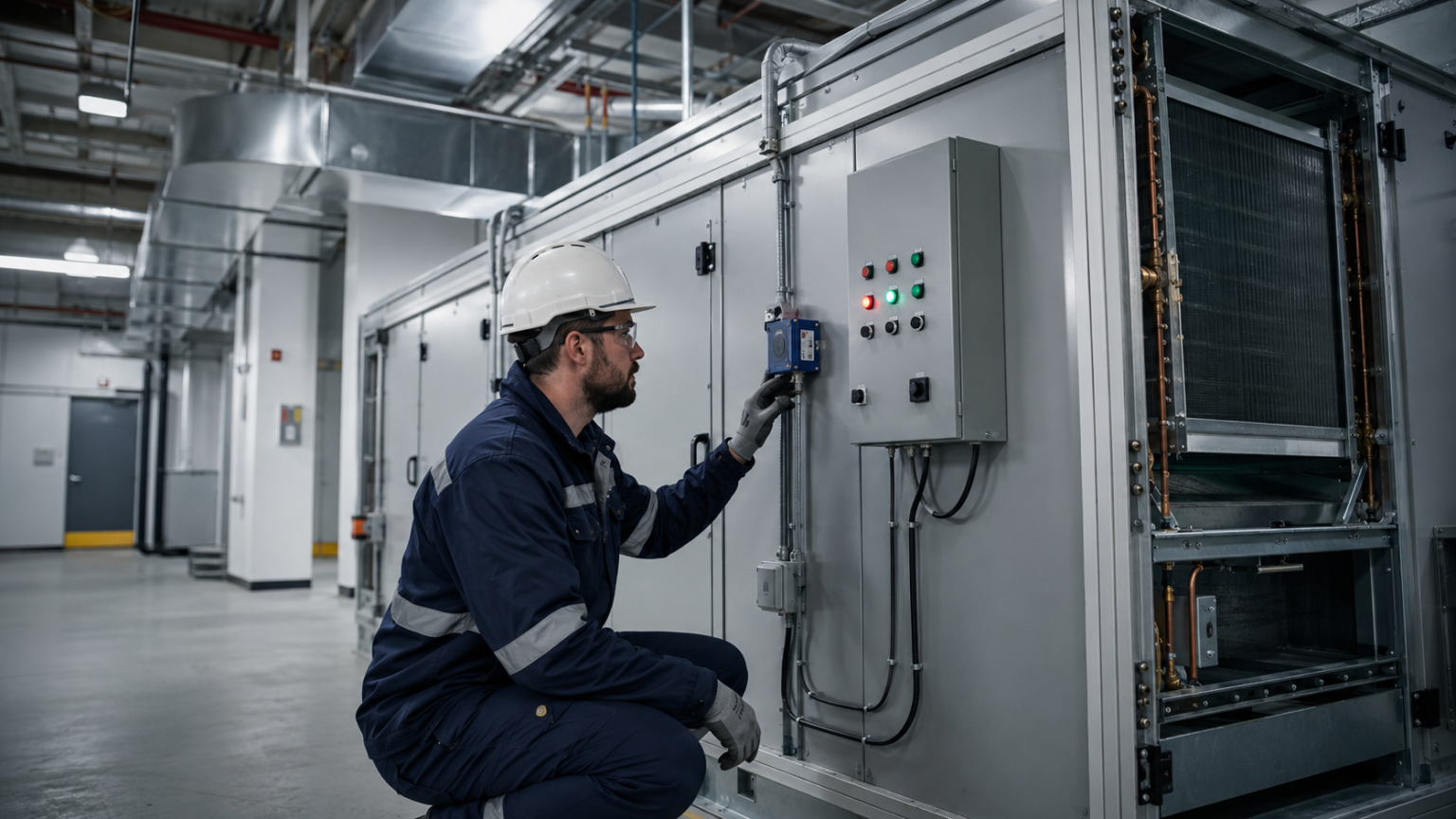
AHU safety · Command versus proof
Fan OFF, Freezestat Tripped, Cooling Still Displayed ON
Observed: Remote BAS review showed conflicting fan, safety, and cooling states. An onsite technician confirmed the physical freezestat trip.
Outcome and limit: AHU operation was checked after reset. The record does not establish compressor operation during the trip or completion of the proposed interlock correction.
Review the case and verification matrix →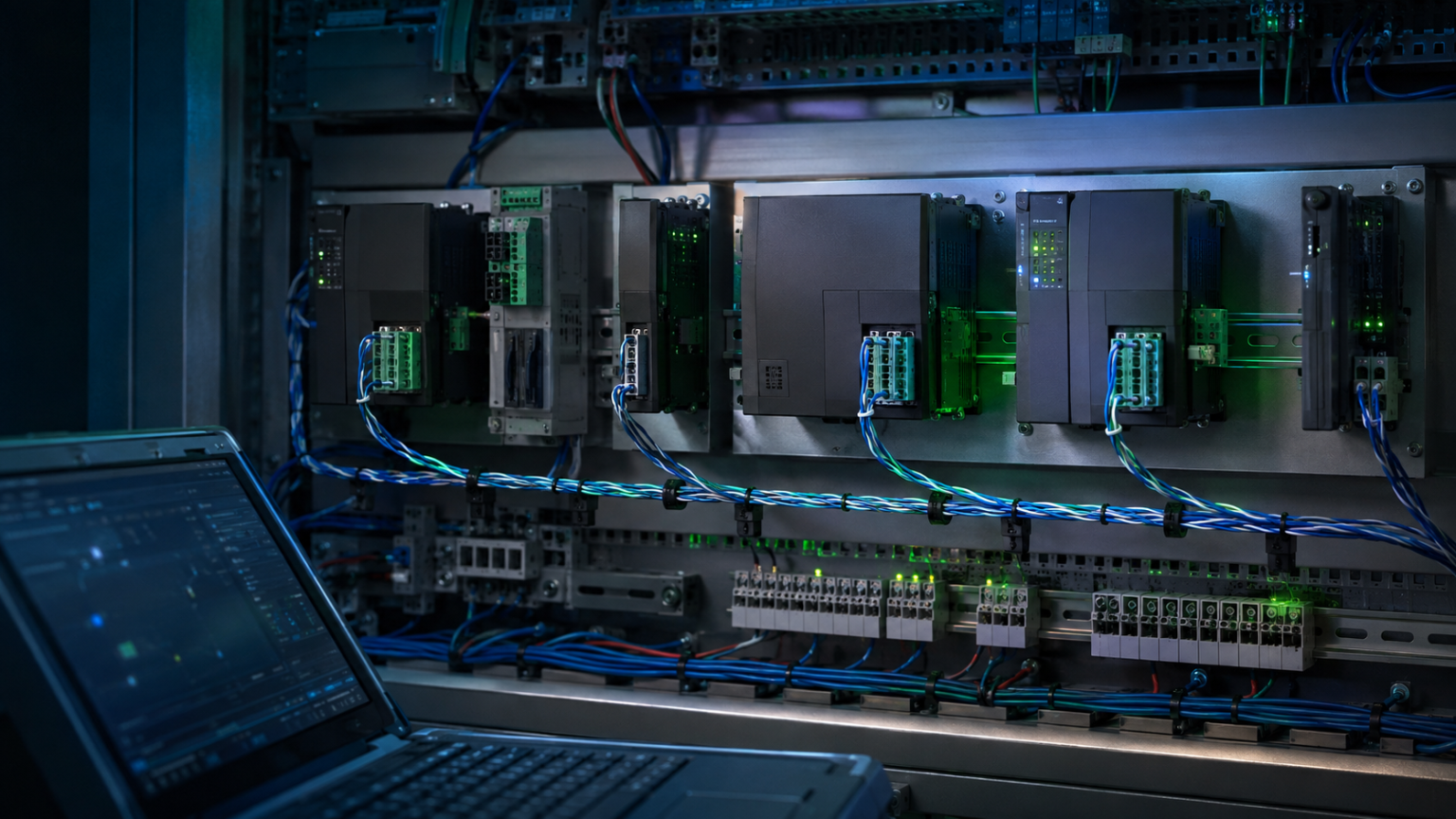
BACnet MS/TP · Wiring and configuration
Controller Powered, TX Active, RX Dark
Observed: The controller had local readings but remained offline. Wire tracing found a faulty communication connection; a duplicate BACnet network number was also found.
Outcome and limit: Communication was verified after both corrections. The record does not isolate how much each fault contributed or establish a long-term monitoring result.
Follow the fault-isolation workflow →Images are illustrative; the written case records distinguish reported observations from recommended tests.
New from the field
Latest Troubleshooting Guides
Recently published practical guides for commercial HVAC, building automation, and facility operations.
-

AHU Supply Air Temperature Won’t Reach Setpoint? What to Check First
AHU supply air temperature not meeting setpoint? Check sensor accuracy, active setpoint, valves, airflow, water temperatures, dampers, and…
-
Commercial Boiler Short Cycling: What to Check Before Blaming the Boiler
Commercial boiler short cycling can come from low load, low water volume, flow problems, staging, sensors, or controls.…
-

BAS Controller Replacement Checklist: What to Back Up, Record, and Test Before Swapping a Controller
A field-ready BAS controller replacement checklist covering backups, BACnet addressing, I/O ranges, wiring, application dependencies, commissioning, safety interlocks,…
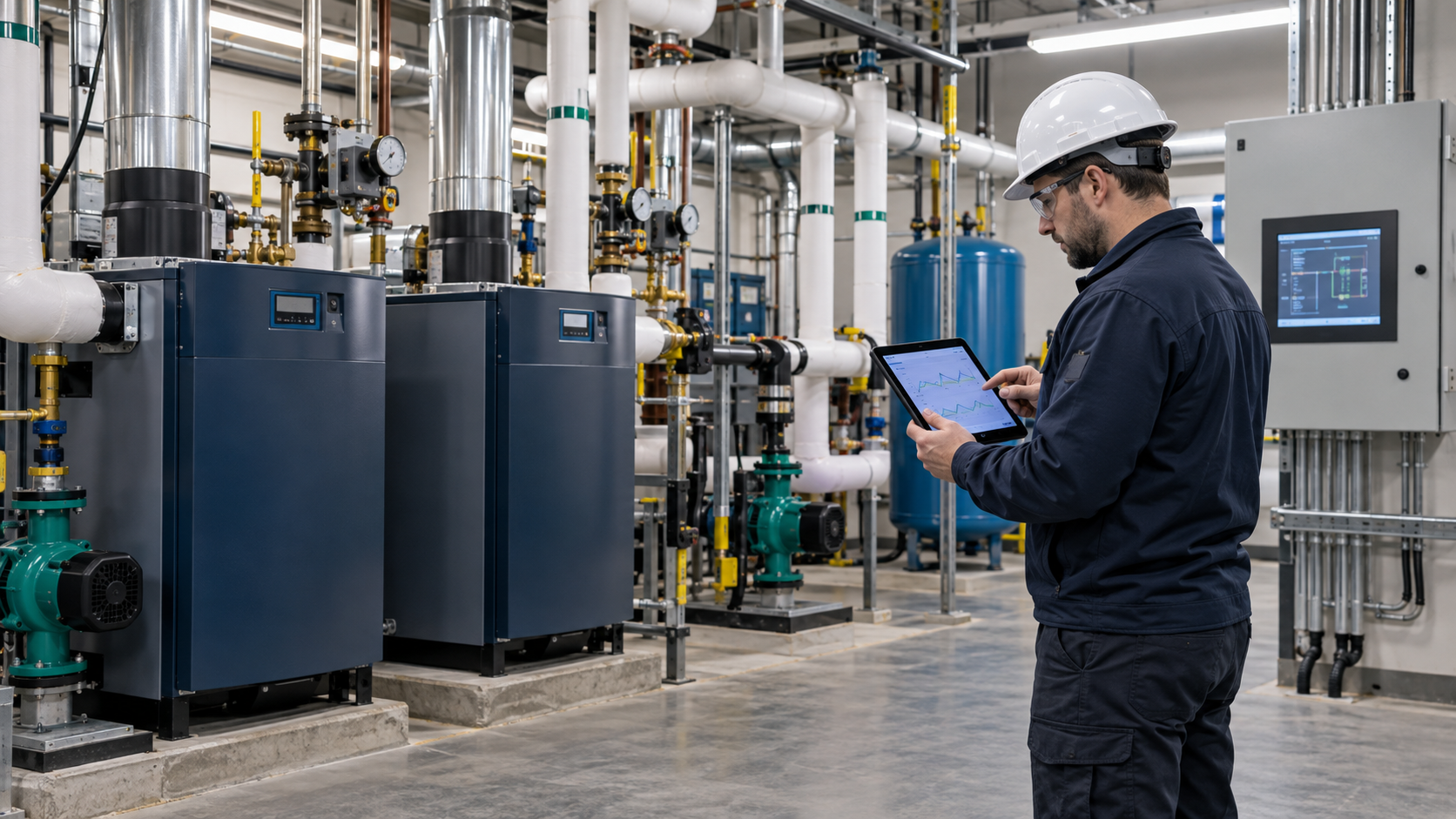
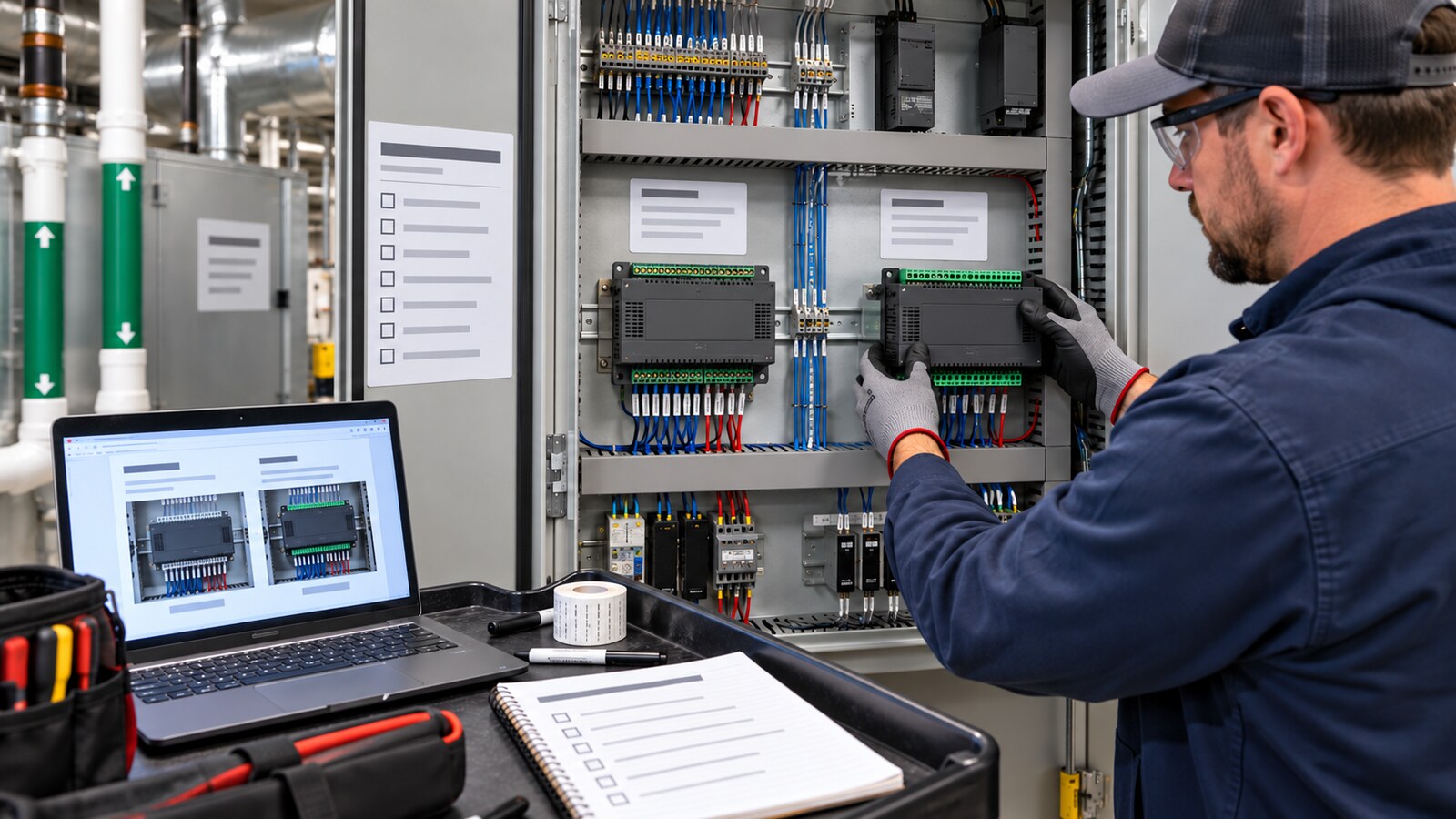
Built for Real Building Problems
Who Is Behind the Guides?
BuildingOpsLab is written and maintained by Ikjae Kim, a building-automation and commercial HVAC controls professional. The guides connect service observations with manufacturer documentation, practical diagnostic decisions, and verification steps.
Field cases are anonymized. Reported findings, possible causes, and recommended follow-up work are identified separately so a proposed test is not mistaken for a completed repair.
Find Your Next Troubleshooting Guide
Choose a path for an equipment complaint, a BAS or network fault, or a planned maintenance visit. Each hub helps you find the relevant guides and verification steps.