Commercial HVAC Compressor Won’t Start: How to Separate a BAS Command Problem from a Control Board or Safety Fault
First Decision: Is the Compressor Being Enabled?
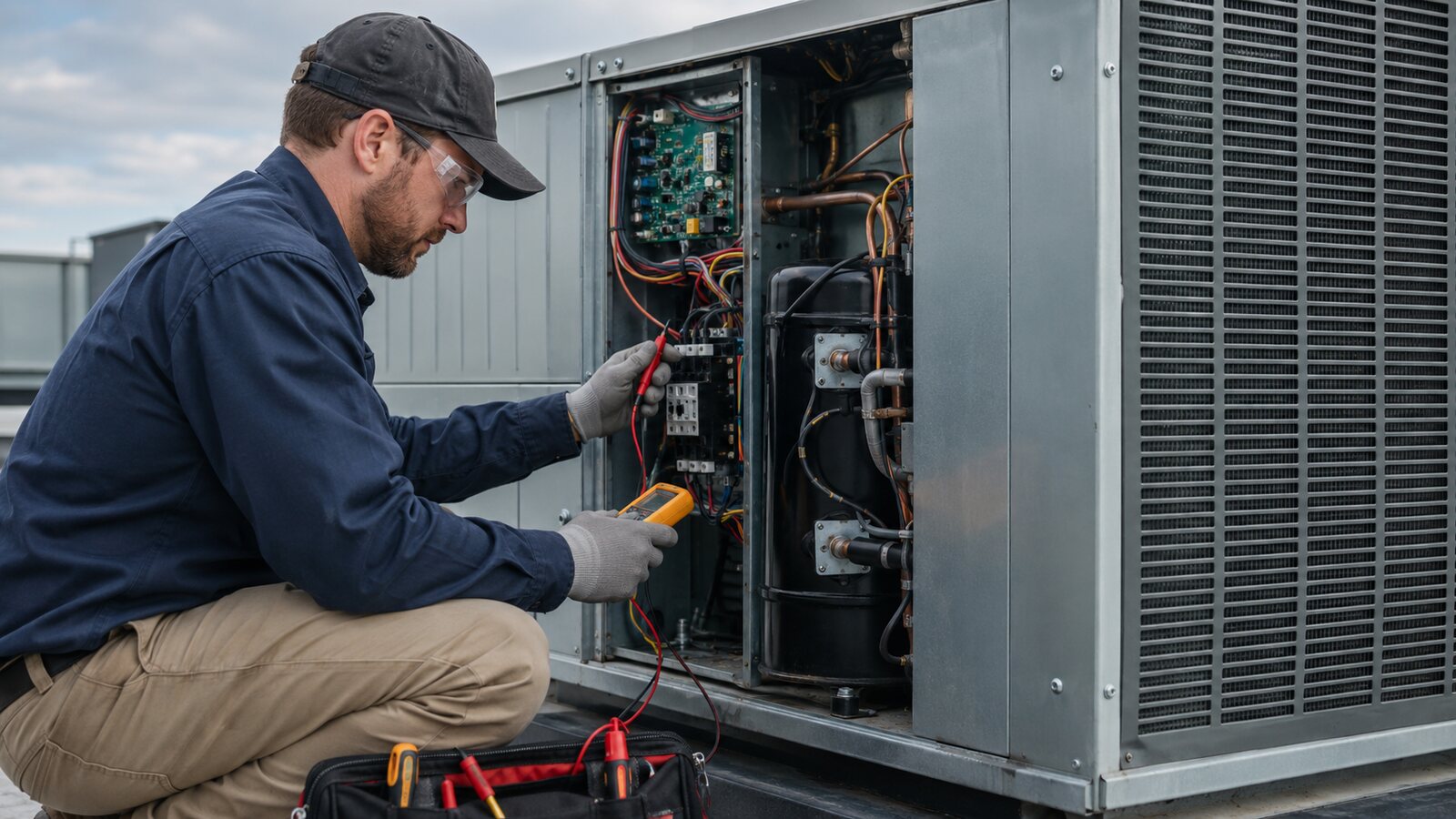
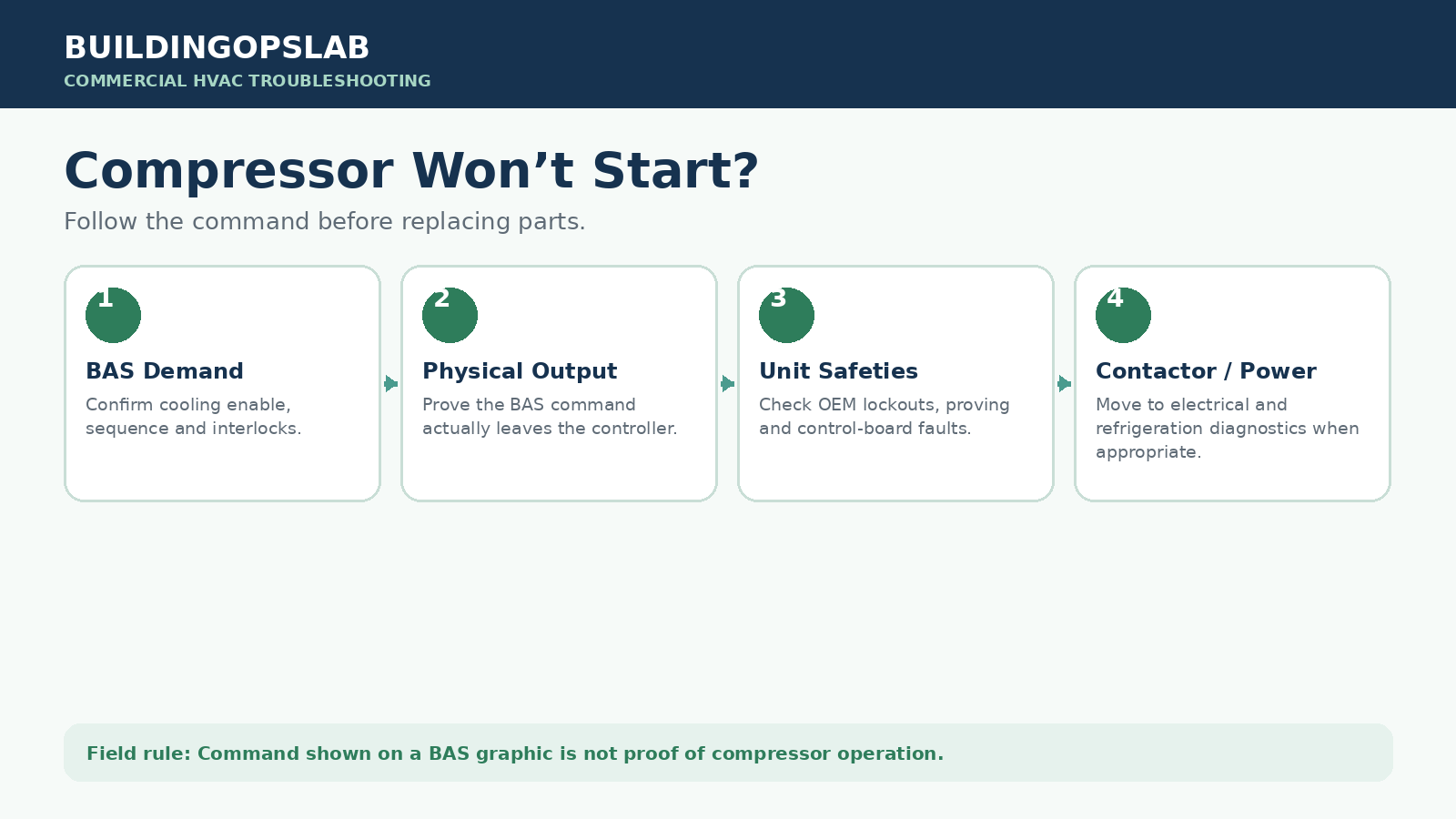
A BAS cooling command is not proof that the compressor has been enabled or is running. Follow the request from BAS logic to the physical output, equipment input, safety chain, contactor, and compressor. The exact point where the expected signal stops identifies whether the fault belongs to BAS controls, unit controls, wiring, or qualified electrical and refrigeration work.
Compressor Start-Failure Diagnostic Path
- Verify that cooling should be enabled
- Trace the call from BAS logic to the unit input
- Check the OEM safety and control chain
- Separate low-voltage control faults from compressor-side faults
- Review a board and sensor-circuit field case
- Complete the compressor start verification checklist
- Review compressor troubleshooting questions
Symptom: Cooling Demand Without Compressor Operation
A BAS graphic shows cooling demand, but the compressor is not running. This can occur in rooftop units, packaged systems, heat pumps, and air-handling systems with DX cooling. Treating this symptom as a single fault often leads to unnecessary controller, sensor, board, or compressor replacement. The reliable method is to divide the control chain into layers.
Cooling demand → BAS logic → physical BAS output → equipment enable → unit controller and safeties → contactor → compressor
Where the Start Request Can Stop
The BAS is not actually requesting cooling
Occupancy, fan proving, outdoor-air lockouts, supply-air limits, load shedding, minimum-off timers, safeties, or overrides may block the final output even when an upstream demand point is ON.
Software says ON, but the physical output does not change
A command point can change while a failed relay, triac, terminal, interposing relay, external power source, or field conductor prevents the request from leaving the controller.
The HVAC unit rejects the request
The equipment controller may be holding the compressor off because of pressure, discharge-temperature, freeze, fan-proving, sensor, voltage, phase, or anti-short-cycle protection.
The contactor control circuit is open
An open safety, board output, relay, connector, or wiring defect can stop the contactor coil even though the controller is calling for cooling.
The contactor closes but the compressor remains off
The investigation has moved beyond the BAS command. Qualified personnel must verify line power, phase condition, contactor contacts, overloads, motor condition, and refrigeration causes.
Trace the Cooling Call to the Contactor
Step 1 — Confirm cooling should be running
Review space temperature, setpoint, equipment enable, occupancy, fan status, supply-air temperature, alarms, safeties, lockouts, and overrides. Compare the current state with the intended sequence.
Step 2 — Follow the BAS logic to the final output
Do not stop at Cooling Demand = ON. Check permissives, fan interlocks, time delays, freezestat or safety inputs, priority overrides, and the final binary or network command.
Step 3 — Identify and test the physical output correctly
Determine whether the output is a dry relay, powered binary output, triac, analog signal, interposing relay, or BACnet command before measuring it.
Step 4 — Verify the request at the HVAC equipment
Confirm that the same request present at the BAS panel arrives at the equipment terminal or controller input. This separates output hardware from field wiring and unit-side problems.
Step 5 — Read OEM diagnostics and safeties
Use the installed model’s documentation to review alarms, LEDs, compressor proving, pressure and temperature protection, fan proving, and sensor faults.
Step 6 — Trace the compressor control circuit
Follow the wiring diagram through the unit controller, safety devices, relays, connectors, and contactor coil. Find the exact point where the expected signal stops.
Step 7 — Determine whether the contactor pulls in
If it does not energize, stay in the low-voltage control circuit. If it energizes and the compressor still does not run, transfer the investigation to qualified electrical and refrigeration diagnostics.
Corrective Action by Control Layer
BAS logic or override problem
Correct the schedule, sequence, enable, interlock, priority, or override, then prove normal automatic operation.
Failed BAS output or relay
Verify configuration, external power, wiring, and load first. Replace controller I/O or the interposing relay only after the fault is electrically proven.
Unit controller or protection fault
Use OEM diagnostics and verify related sensors, wiring, and connectors before replacing a board.
Compressor-side electrical or mechanical fault
Provide the HVAC technician with BAS trends, command state, safety history, and failure timing, then continue with qualified equipment-side testing.
Field Case: BAS Output Proved, Board Circuit Fault Isolated
In one commercial unit, two compressors were not operating correctly. During onsite testing, the BAS start/stop relay response followed the controller command, which ruled out the BAS output as the immediate cause. One compressor resumed operation after a reboot. The second continued to trip at its control board, where the diagnostic information pointed toward an FP1/FP2 sensor-related circuit. Wiring and board connections were inspected and reseated, and the compressor started after an associated control connection was restored. The correct follow-up was conditional verification of the board and sensors if the fault returned—not automatic parts replacement.
Compressor Start Verification Checklist
- ☐ Confirm cooling demand, occupancy, equipment enable, and fan proof
- ☐ Review alarms, safeties, lockouts, timers, and overrides
- ☐ Locate the final BAS output or network command
- ☐ Identify the output type before using a meter
- ☐ Verify that the physical output changes with the command
- ☐ Confirm the request reaches the HVAC unit
- ☐ Read OEM fault codes and compressor lockout status
- ☐ Trace the safety and contactor circuit from the wiring diagram
- ☐ Determine whether the contactor pulls in
- ☐ Monitor operation after corrective action
Compressor Start Troubleshooting FAQ
Why does the BAS say the compressor is ON when it is actually OFF?
The point may represent a command rather than physical proof. The equipment can reject the command because of safeties, internal logic, relay or board faults, or power problems.
Can a bad BAS controller prevent a compressor from starting?
Yes. A failed output, damaged terminal, programming issue, incorrect output configuration, or interposing relay problem can prevent the enable from reaching the unit. Prove the physical output first.
Can a safety stop the compressor while the BAS calls for cooling?
Yes. Commercial equipment normally requires several safety and permissive conditions before compressor operation is allowed.
Should a technician jump out a safety to test the compressor?
Safety devices should not be casually bypassed. Follow the manufacturer procedure, site rules, and applicable electrical and refrigeration safety practices.
What is the fastest BAS-versus-equipment test?
Verify the final BAS output, then confirm whether that request physically reaches the HVAC unit. A correct request at the unit moves the investigation downstream.
Related Compressor and BAS Guides
- BAS Graphic Says ON but Equipment Is OFF
- RTU Economizer Not Working
- Commercial HVAC Preventive Maintenance Checklist
Technical Source
Technical references used to validate this troubleshooting framework. Manufacturer-specific values and procedures apply only to the equipment identified in the referenced documentation.
Safety Disclaimer
This guide is for general educational use by qualified building-automation, HVAC, and electrical personnel. Follow the installed manufacturer documentation, site procedures, applicable codes, lockout/tagout requirements, and required personal protective equipment. Do not bypass safety devices or perform energized testing unless you are trained, authorized, and the procedure specifically requires it.